Made for the busy part of your show
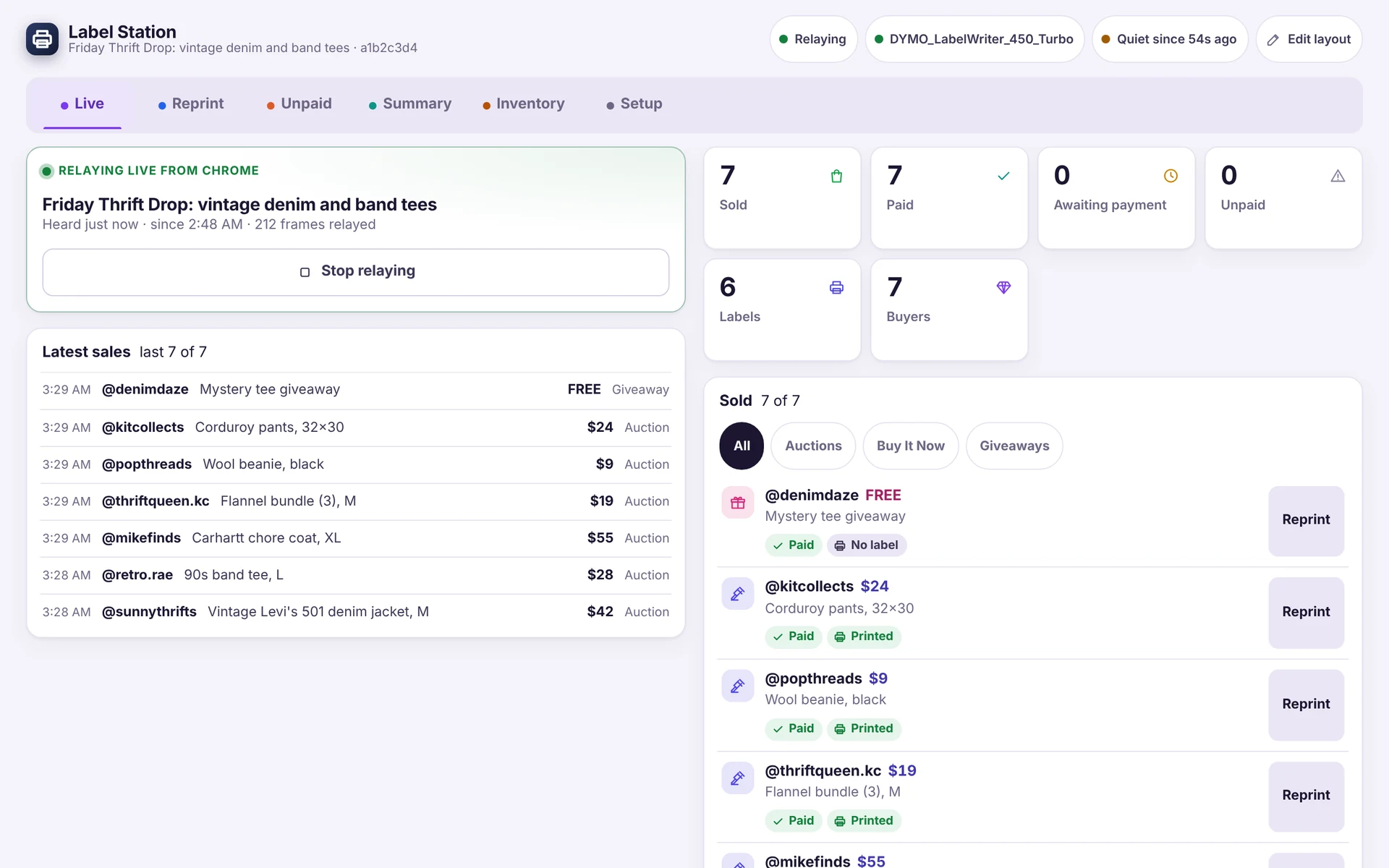
When items are selling fast, Label Station takes care of the labels so you can stay on camera and keep talking.
-
A label for every sale, at the hammer
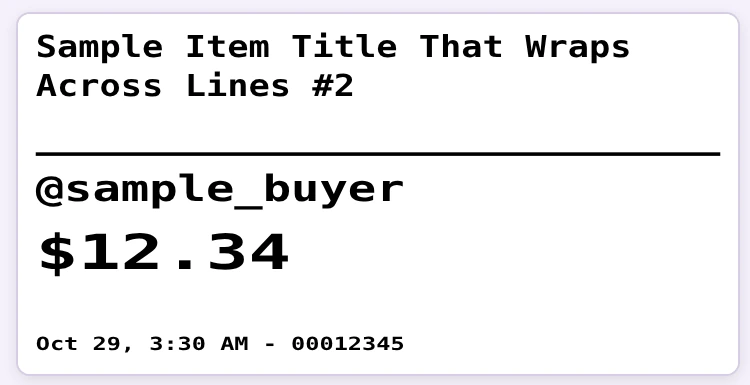
The label prints from the winning bid the moment the auction closes, not after payment. Measured on real shows, label in hand went from about four seconds to about one.
-
Prints on what you have
DYMO LabelWriter, Brother QL, and TSPL/ZPL thermal printers such as MFLABEL. Label stock from 1.5×1 to 4×6 in.
-
The show's ledger
One row per sold unit. Reprint any label, check the unpaid list, set buyer box numbers, then export a summary as CSV.
-
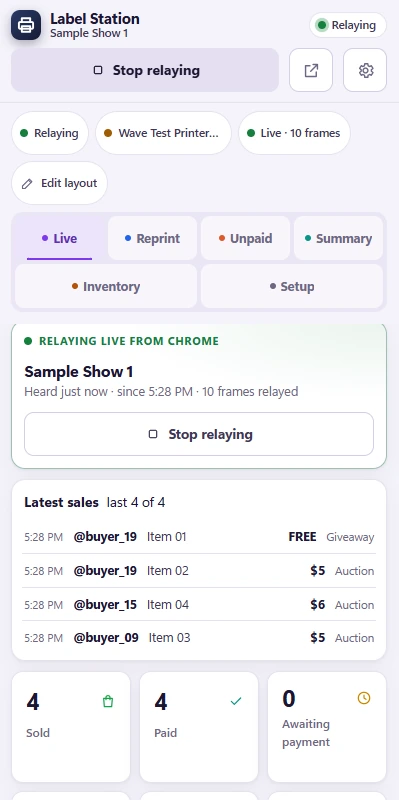
Chrome extension with the app in the side panel
Press Relay this show in your own seller dashboard tab. If the app is closed, sales are held and sent in order, and nothing prints twice.
-
Inventory barcode labels
Print labels with barcodes for stock you code yourself, then scan a code to look the item up.
-
Built for every seller
Designed first for sellers with disabilities. Keyboard operable, visible focus, light and dark themes, and label text up to four times size for sorting by sight.
Windows now. macOS is coming.
Three steps, then you just sell
Two pieces: the desktop app owns your printer and keeps the ledger, and the Chrome extension relays each sale from your own dashboard tab.
-
1
Install the app and connect your printer
Download Label Station for Windows, plug in your thermal label printer, and pick it in the app.
-
2
Open your show and press Relay this show
Add the Chrome extension, open your seller dashboard, and press Relay this show in the side panel. Then go live the way you always do.
-
3
Sell. A label prints the moment each item closes.
Each time an item sells, a sold label comes out of the printer. Peel, stick, pack, and keep the show moving.
Rules that don't bend
- Read-only toward Whatnot No bots, no auto-replies, no clicks or posts.
- No credentials The extension never sees a password or login cookie.
- Loopback only The app refuses any caller not on this PC.
- No accounts, no telemetry No sign-in, analytics or crash reports.
- Your data, your folder Shows, settings and exports are plain files on your PC.
Free to start. Seller Station when you want the whole show.
Label Station is the free app. Seller Station is Label Station grown up, with the whole stage on top. If it ever lapses, it falls back to the free feature set and deletes nothing.
Label Station
Free trial- A sold label for every sale, at the hammer
- Prints on DYMO LabelWriter, Brother QL and TSPL/ZPL thermal printers
- The show's ledger, reprints and the unpaid list
- Buyer box numbers and a summary with Export CSV
- Inventory labels, plus the Chrome extension
- Light and dark themes, built for every seller
Trial length: [TRIAL LENGTH]
Download the free trialSeller Station
The paid suite- Everything in Label Station
- Stream alerts and cues
- Voices and a soundboard
- The auction runner
- Viewer points and !commands
- Accessibility helpers
Questions sellers ask first
Short, honest answers. Anything else, just ask.
Which printers work?
DYMO LabelWriter and Brother QL through their Windows driver, and TSPL/ZPL thermal printers (MFLABEL and similar) directly. Label stock from 1.5×1 to 4×6 in.
Which platforms?
Built for Whatnot first. Other live-selling platforms are on the roadmap.
Do I need OBS?
No. Label Station prints and keeps the ledger. Alerts, cues and the stage are Seller Station's.
Is my data safe?
Everything stays on your PC. The extension only reads your own dashboard tab and talks to the app on 127.0.0.1. Nothing is sent to us or anyone else, and there are no accounts and no telemetry.